
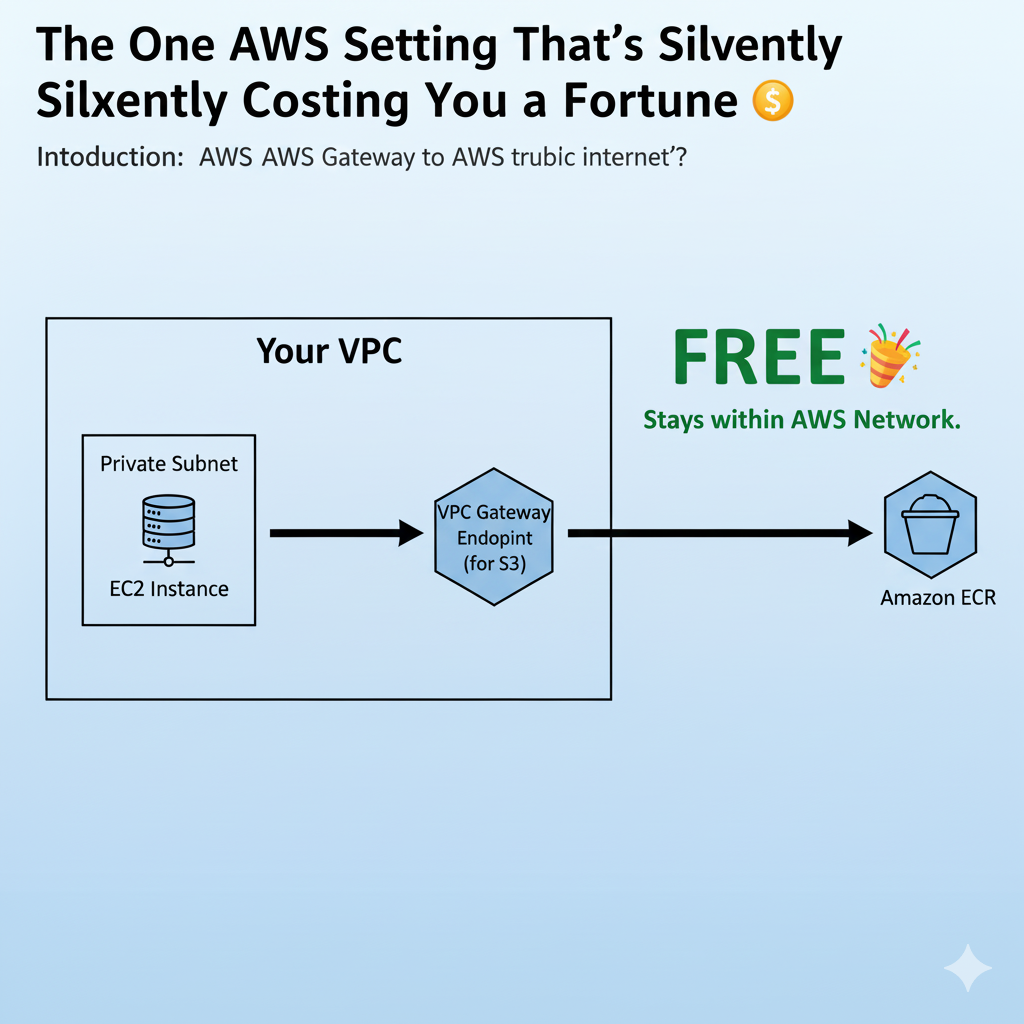
The Hidden Bill 🧾
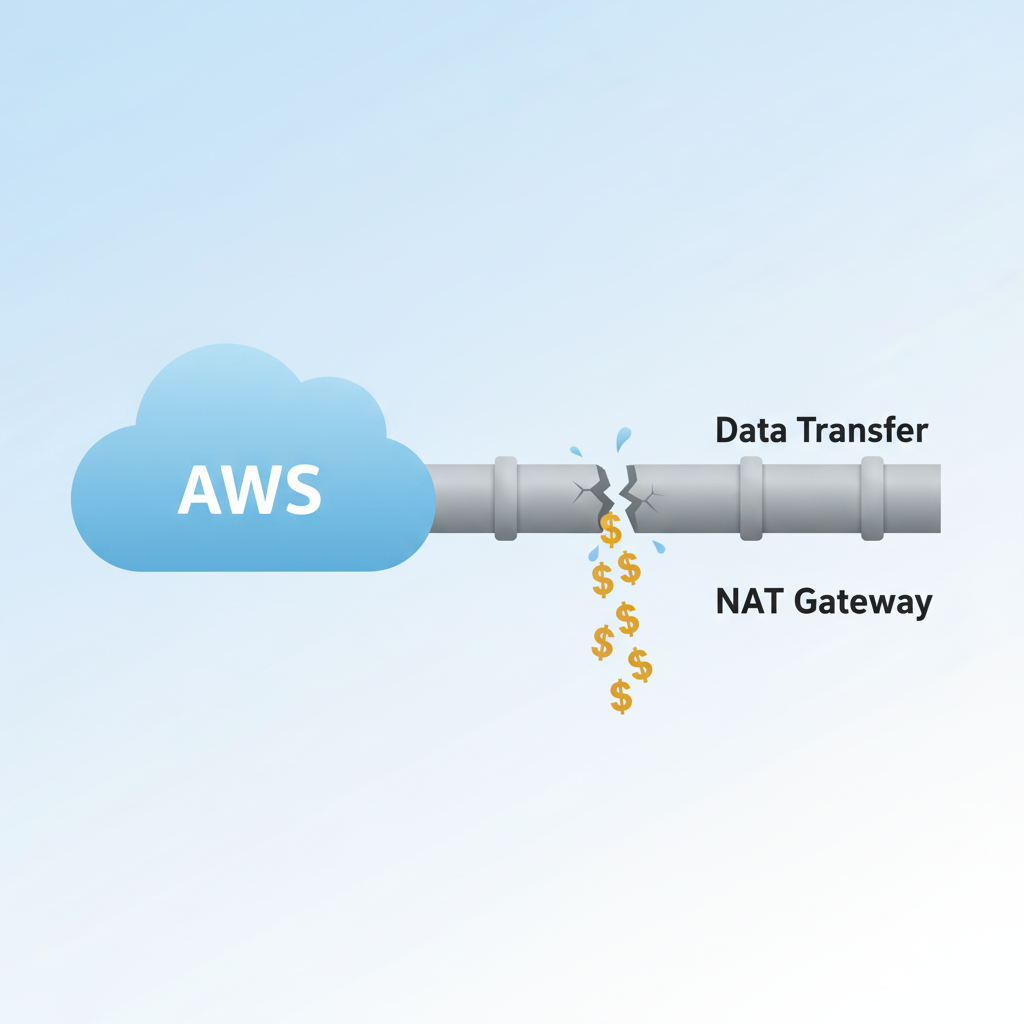
You’ve painstakingly built a secure and robust architecture on AWS. Your application instances hum along in private subnets, shielded from the wild west of the public internet 🔒. Everything seems perfect… until the cloud bill arrives. You scroll down, eyes glazing over line items, and then you see it: a massive, growing charge for ‘Data Transfer’ and ‘NAT Gateway’.
Where is this coming from? You’re not even serving that much public traffic!
The culprit, my friends, is a common misconfiguration that silently siphons money from your AWS budget. Your instances are talking to other AWS services (like S3, ECR, DynamoDB, Lambda, SQS), but they’re taking the scenic, expensive route: out to the public internet and back. You are paying internet data rates to talk to a service that might effectively be in the same building 🏢!
This post will expose this hidden cost, show you exactly why it happens, and—most importantly—demonstrate how to fix it. Get ready to dramatically cut your cloud costs and beef up your security, often with just a few clicks!
What is a NAT Gateway (And Why Do We Use It)?
First, let’s be clear: the NAT Gateway isn’t inherently evil. It serves a crucial purpose in a well-architected VPC. Its primary job is to allow instances in a private subnet to initiate outbound traffic (e.g., to download security patches 🛡️, update software, or pull public Docker images) while meticulously blocking all inbound traffic from the internet. This keeps your private resources safe and sound.
However, here’s where the “silent killer” comes in: the pricing model. You pay for a NAT Gateway in two ways:
- Hourly Charge: A fixed fee for every hour the NAT Gateway is running (e.g., ~$0.045/hour in
us-east-1) ⏰. - Data Processing Charge: A fee for every gigabyte of data that passes through the NAT Gateway (e.g., ~$0.045/GB) 📈.
This data processing fee applies to all traffic, even traffic destined for other AWS services within the same region. This is the critical detail often overlooked.
Are You Really Going to the “Internet”? 💡
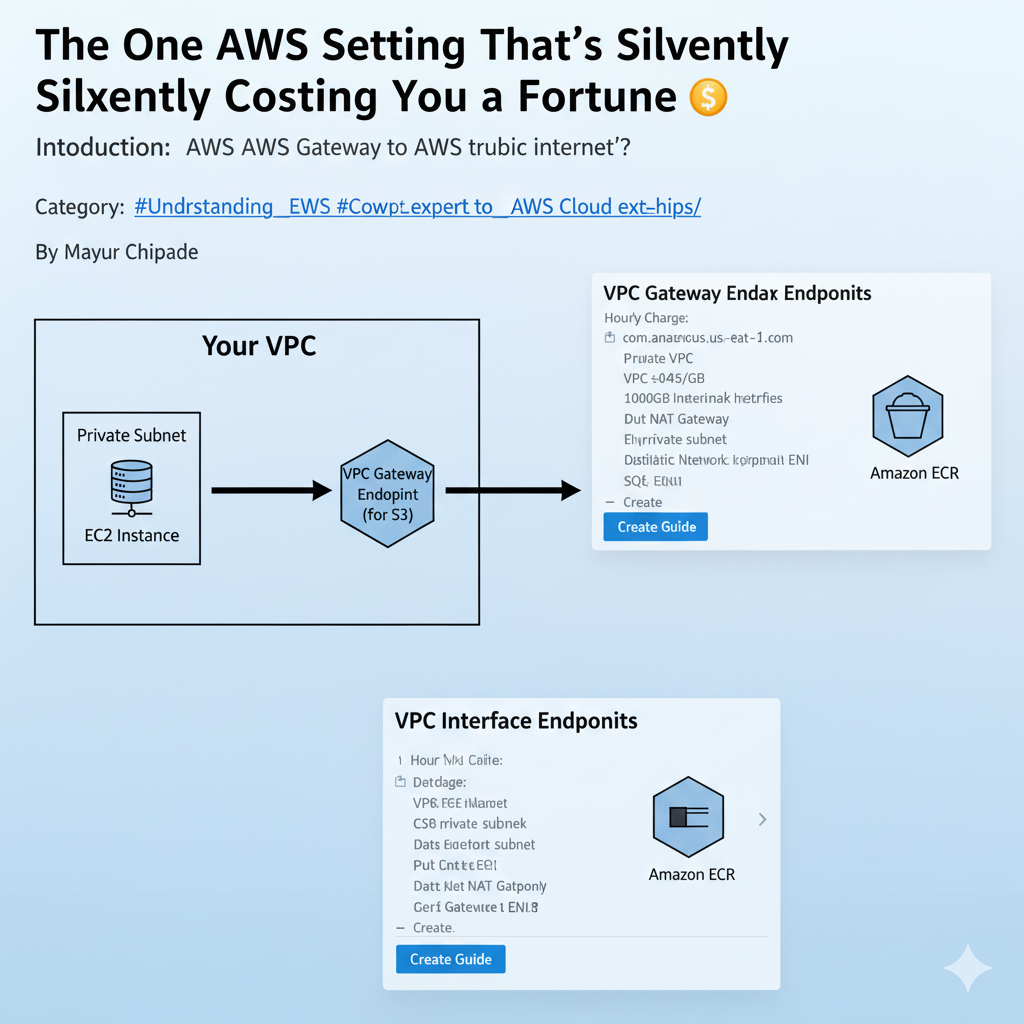
Think about this: When your EC2 instance in a private subnet needs to pull a Docker image from Amazon ECR, store a file in Amazon S3, or send a message to Amazon SQS, where does that traffic go?
Because these AWS services often expose public DNS names, your EC2 instance’s operating system tries to resolve that name. Since your private subnet has no direct public internet access, its default route pushes that traffic to… you guessed it, the NAT Gateway! The NAT Gateway then sends that traffic out to the internet, and the response comes back through the NAT Gateway.
You are effectively paying $0.045 per gigabyte to send data from one AWS service to another, even though both services reside entirely within Amazon’s global network. This is the mistake. ❌ It’s like paying tolls to drive around the block to get to your next-door neighbor’s house!
VPC Gateway Endpoints (The FREE Fix 🎁)
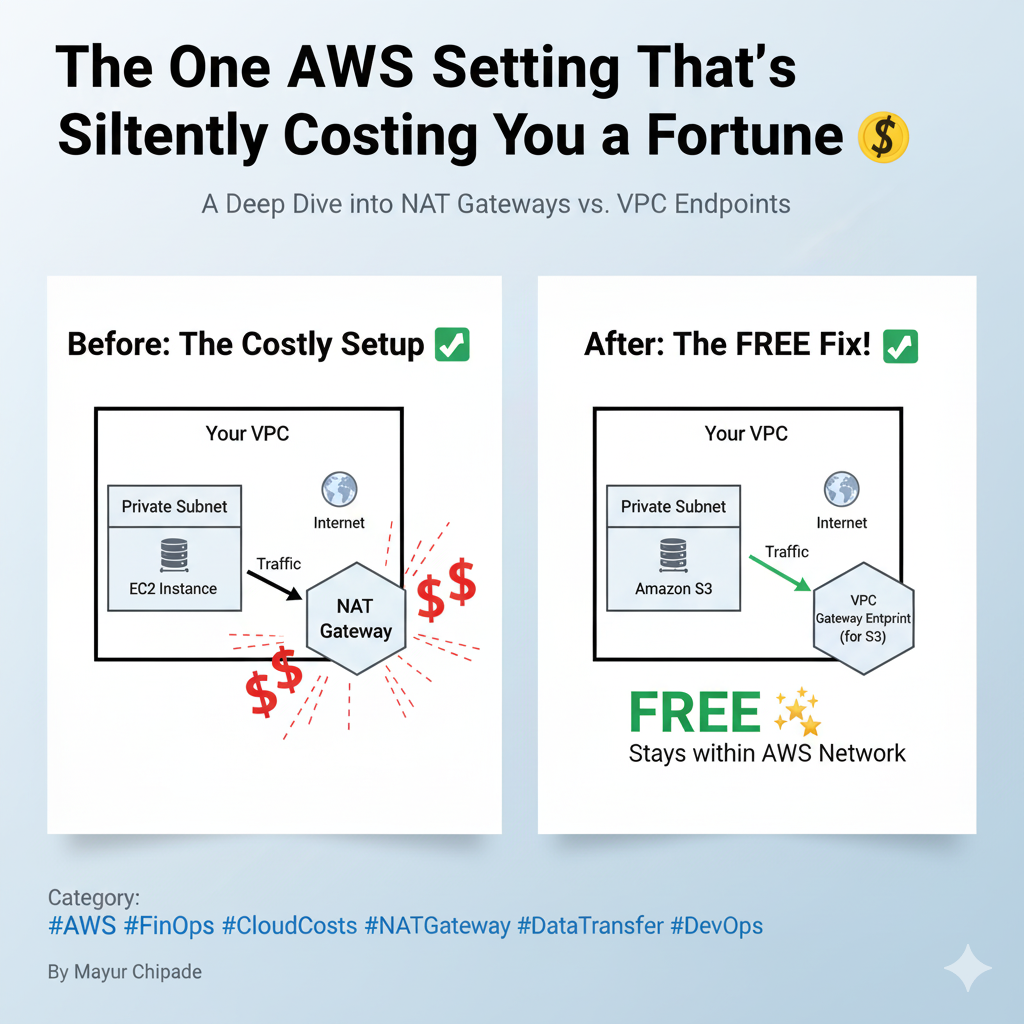
VPC Gateway Endpoints. These are a game-changer for specific AWS services.
- What they are: A gateway endpoint is not an instance or an ENI; it’s a simple, highly-available routing target that you attach to your VPC’s route tables. It essentially creates a direct, private connection from your VPC to supported AWS services.
- What they support: Crucially, Gateway Endpoints are currently available for only two services: Amazon S3 and Amazon DynamoDB.
- The Cost: This is the best part – they are FREE! 🎉 There are no hourly charges and absolutely no data processing fees for traffic going through a Gateway Endpoint.
The How-To (Step-by-Step):
- Navigate to the VPC Console in AWS.
- In the left-hand navigation pane, click on “Endpoints.”
- Click the “Create Endpoint” button.
- For the “Service category,” choose “AWS services.”
- In the “Service name” search bar, type
s3and select the appropriate service for your region (e.g.,com.amazonaws.us-east-1.s3). - Select the VPC you want to configure.
- Under “Route tables,” select all the route tables associated with your private subnets that need to access S3.
- Click “Create Endpoint.”
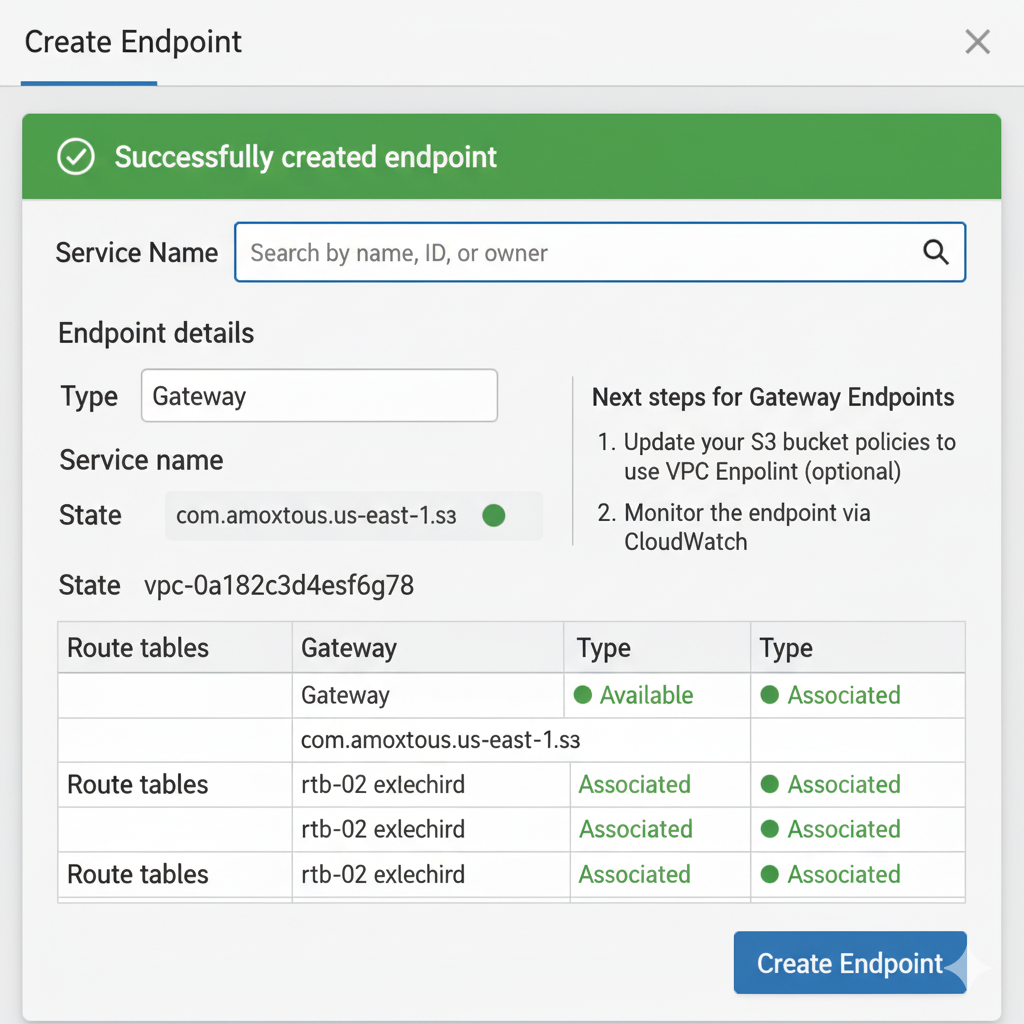
The Result: Instantly, your VPC’s route tables will update. All traffic originating from those private subnets and destined for S3 will now be automatically re-routed through this secure, private, and free endpoint. It never leaves the AWS network, and your NAT Gateway’s data processing bill for S3 traffic drops to $0. 📉
VPC Interface Endpoints (The CHEAPER Fix 💸)
“Okay, Mayur, that’s great for S3 and DynamoDB,” you might say. “But what about Amazon ECR, Lambda, SQS, KMS, Secrets Manager, or any of the other 100+ AWS services my applications rely on?”
This is where our second hero steps in: VPC Interface Endpoints (powered by AWS PrivateLink).
- What they are: Unlike Gateway Endpoints, an Interface Endpoint is an Elastic Network Interface (ENI) that lives inside your private subnet. (For a deep dive into ENIs, check out my previous post: Understanding ENI (Elastic Network Interface) In AWS – The Backbone of Cloud Networking! 🔗). This ENI gets a private IP address from your subnet. Your EC2 instances communicate with this local, private IP, and AWS PrivateLink securely handles the connection to the target AWS service without ever traversing the public internet.
- What they support: A vast array of AWS services and even services hosted by other AWS customers via PrivateLink.
- The Cost: While not entirely free like Gateway Endpoints, Interface Endpoints are significantly cheaper than using a NAT Gateway for high data volumes.
- Fixed hourly charge (e.g., ~$0.01/hour per AZ) ⏰.
- Data processing charge (e.g., ~$0.01/GB) 📉.
The Math (The Showdown): 🧮 Let’s put this into perspective with a simple example.
Imagine your Kubernetes cluster, residing in a private subnet, pulls 100GB of Docker images from Amazon ECR per day.
- Via NAT Gateway: 100GB * $0.045/GB = **$4.50 per day**.
- Via Interface Endpoint: 100GB * $0.01/GB = **$1.00 per day** (plus a small hourly fee for the endpoint itself, which is negligible for this volume).
